Krakle

Hear a real keyboard every time you type.

Krakle is a small menu bar app for your Mac. It plays recordings of real keyboards as you type, so your laptop sounds like the board you'd like to own. It's free.

Mac download coming soon

Free. Needs macOS 14 or later.

This page plays the plain recordings each keyboard starts from. The app also shapes them by the keyboard's parts and places the sound on your desk.

For most people

Pick a keyboard and get back to work.

Choose one of six keyboards. If it isn't quite right, make it deeper or crisper, or give the switches a different feel. The menu bar has the rest: switch keyboards, change the volume, or mute with ⌥⌘K.
Keyboards
Deep, Soft, Plasticky, Metallic, Clicky, Buckling Spring
Feel
Original, Smooth, Bumpy, Clicky
Where it sits
On the desk, or close to you
Krakle
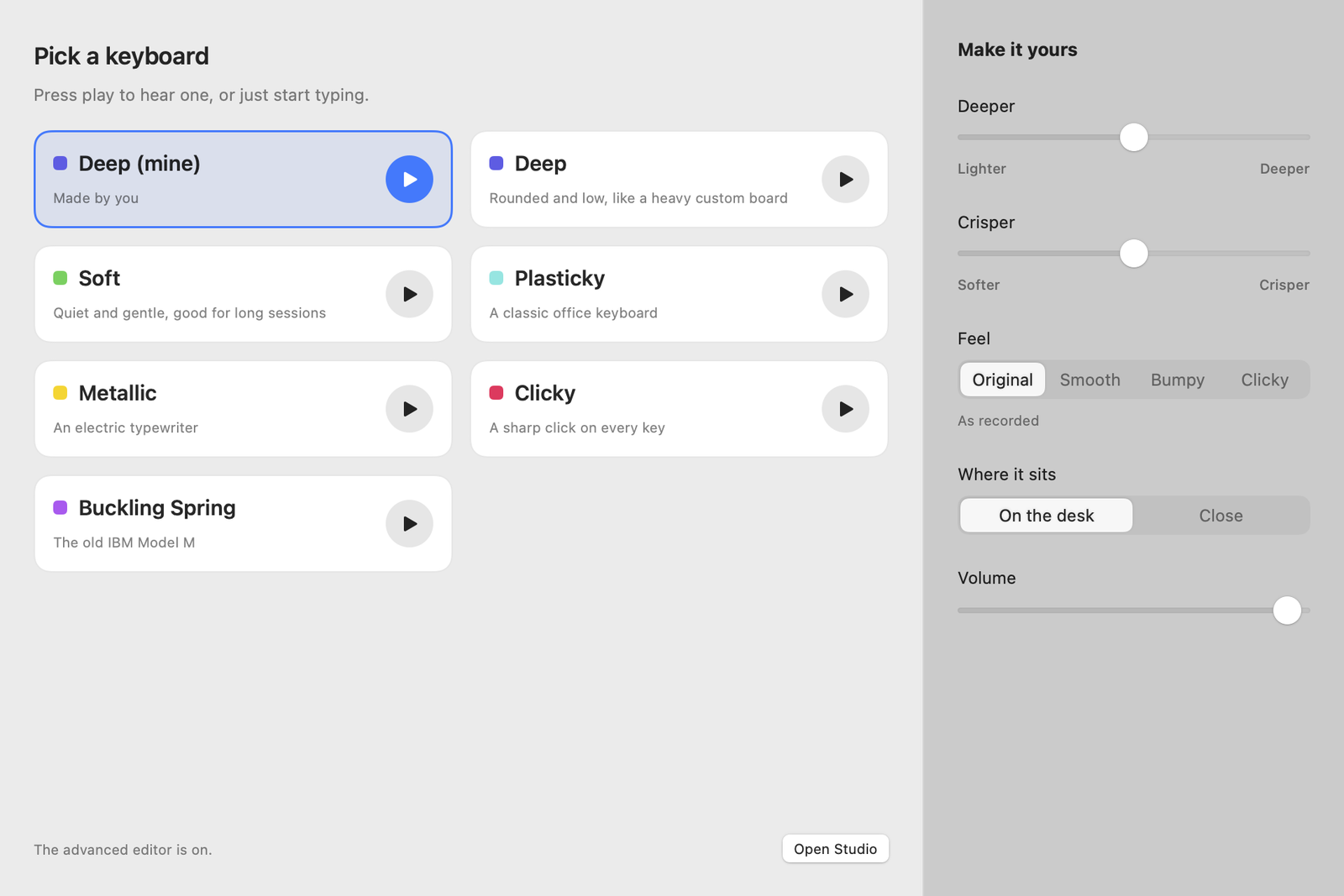
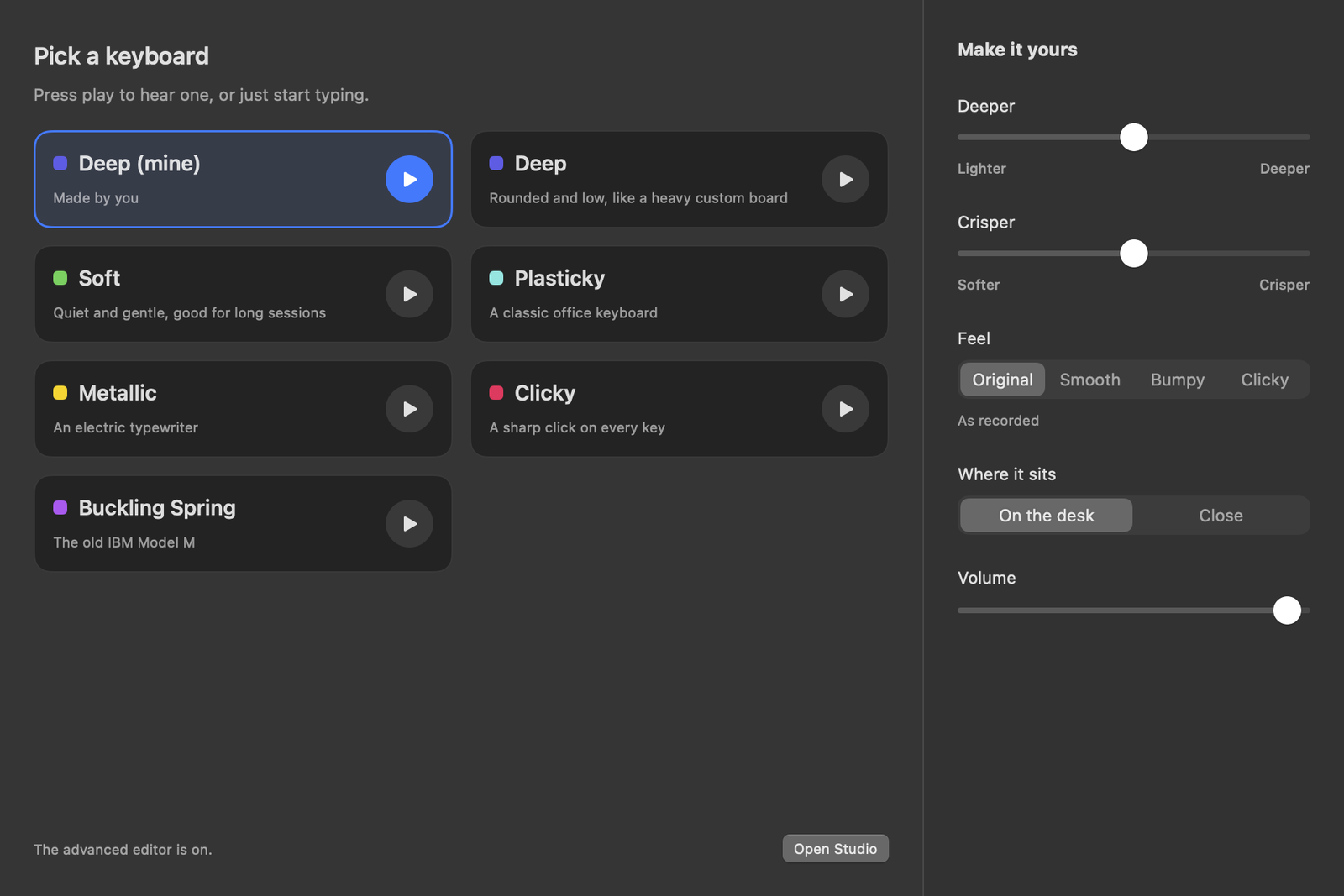
The Krakle window: six keyboards to pick from, with sliders for deeper and crisper, a switch feel picker and a volume slider. The Krakle window: six keyboards to pick from, with sliders for deeper and crisper, a switch feel picker and a volume slider.
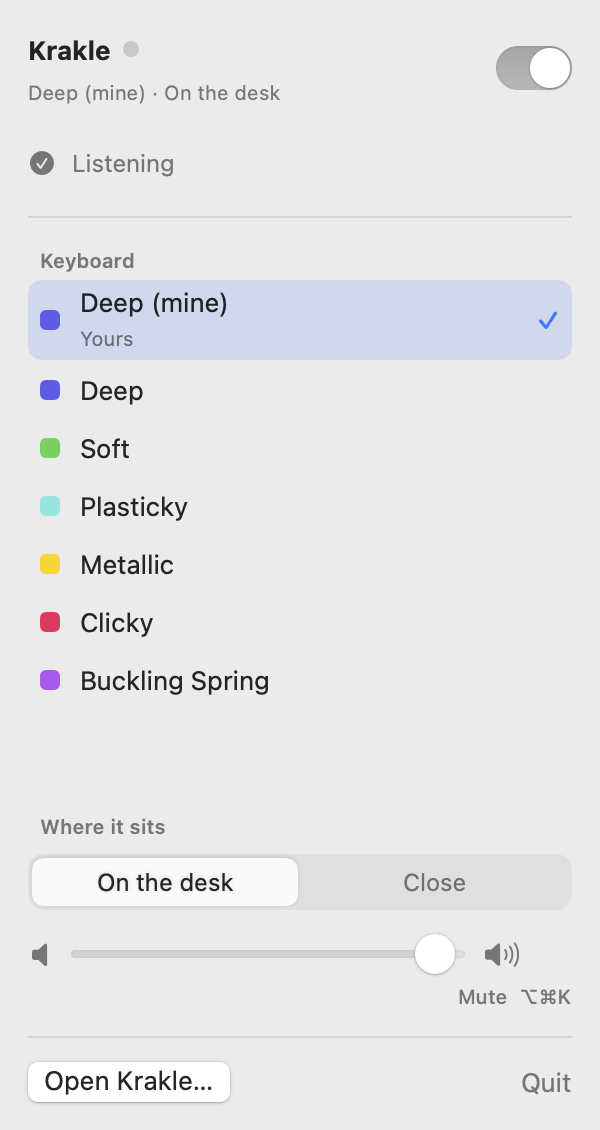
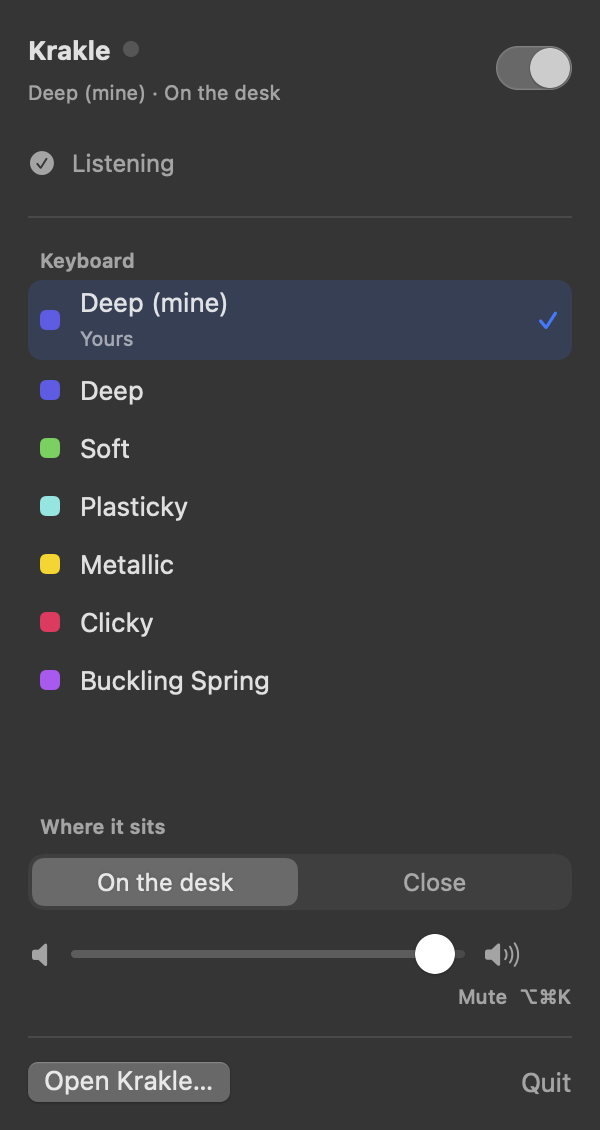
The Krakle menu bar panel with an on/off switch, the list of keyboards, where the sound sits, and volume. The Krakle menu bar panel with an on/off switch, the list of keyboards, where the sound sits, and volume.

The Studio

Or build your own, part by part.

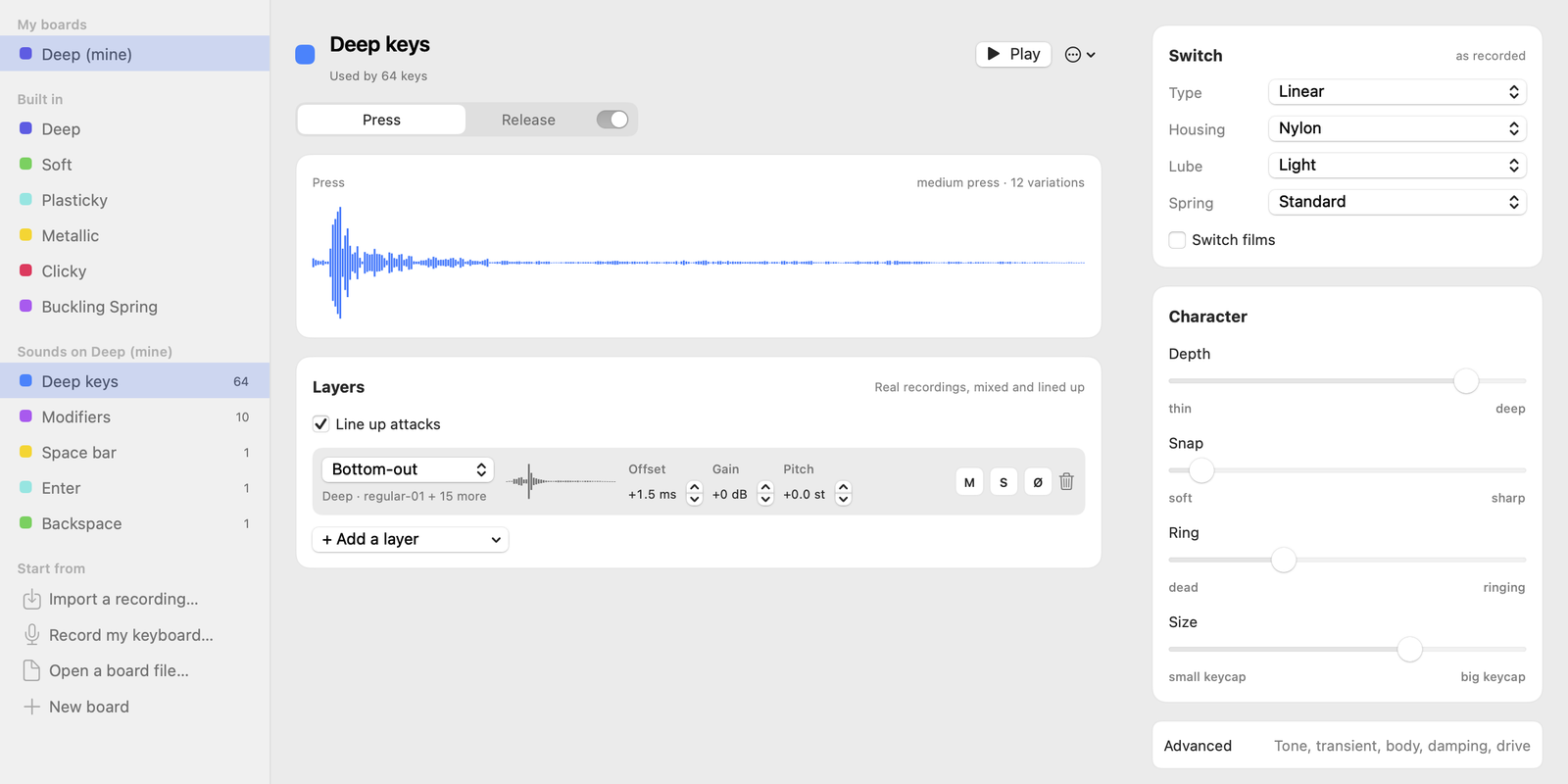
Turn on the advanced editor in Settings to open the Studio. Start from a real recording, then change the switch, the plate, the case and everything in between.

Each part changes the sound the way it does on a real board. A brass plate rings longer and brighter. Foam and a POM plate make it deeper and duller. Lube takes out the spring noise. A part you leave as recorded leaves the recording alone.
Krakle Studio
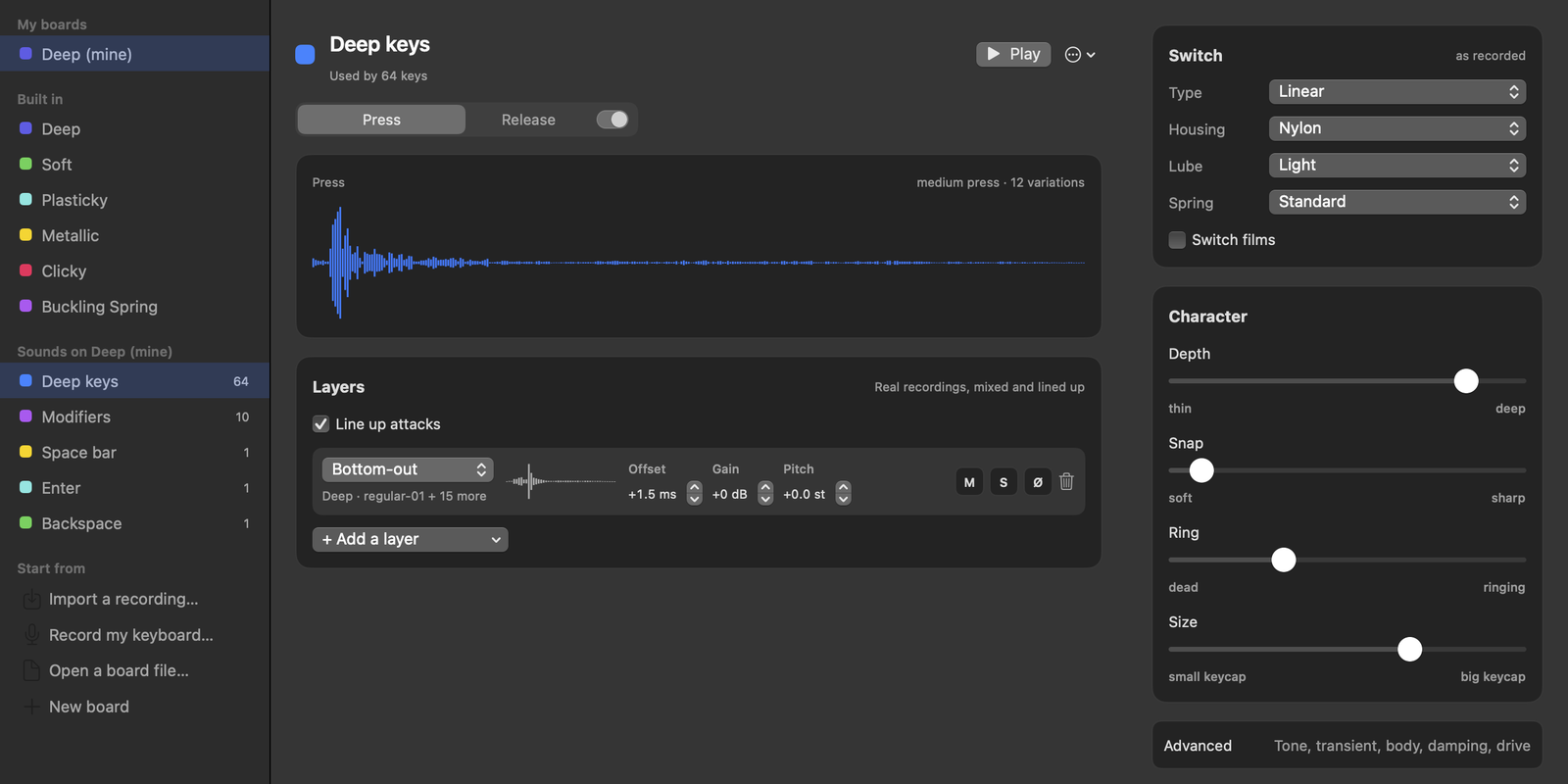
The Studio's sound editor: a waveform of one key press, its layers of recordings, and panels for the switch and the sound's character. The Studio's sound editor: a waveform of one key press, its layers of recordings, and panels for the switch and the sound's character.

Switch

LinearTactileClickyTopreSilent

Housing

NylonPolycarbonatePOMUHMWPE

Lube

NoneLightThick

Spring

StandardLong

Switch films

OnOff

Stabilisers

StockLubedTuned

Sound layers

Bottom-outTop-outSpringClickRattleCase knock

Plate

PolycarbonateFR4POMAluminiumBrassCarbon fibrePlateless

Mount

GasketTopTrayLeaf spring

Case

PlasticAluminiumWoodAcrylic

Foam and mods

Case foamPE foamTape modPlate foamSwitch pads

Keycaps

PBTABS

Keycap profile

CherryOEMSAXDALow profile

Shaping

ToneAttackBodyDampingDrive

Every key press comes in soft, medium and hard, with twelve small variations of each, so a run of the same key never sounds like a loop.

Key by key

Give any key its own sound.

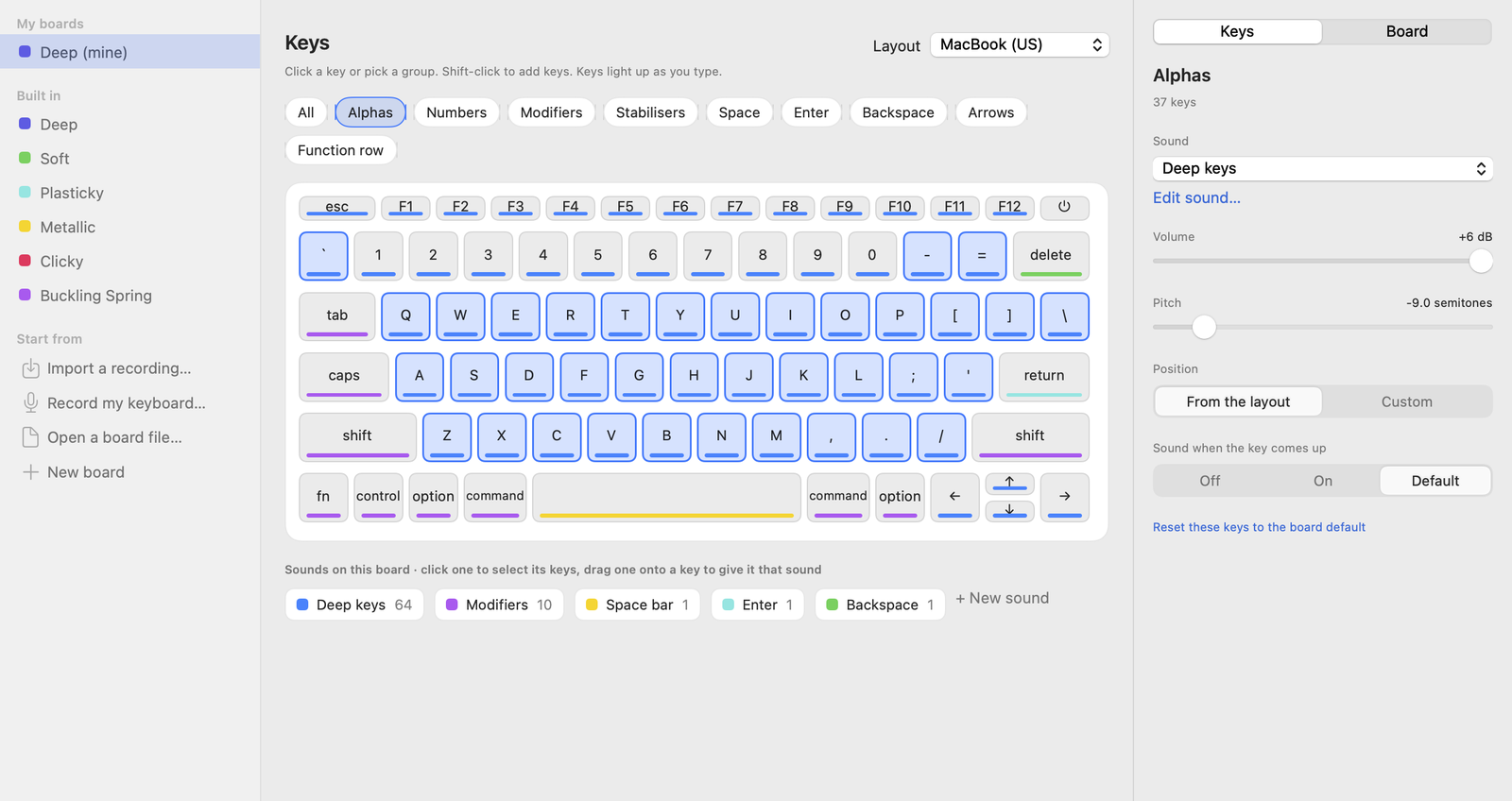
Click a key, or pick a group such as the modifiers or the space bar, then set its sound, volume and pitch. Drag a sound onto a key to give it that sound. Keys light up as you type, so you can see what you're hearing.
Layouts
MacBook (US and ISO), 60%, 65%, 75%, TKL, full size
Position
Each key sounds from its own place on the board, left to right
Krakle Studio
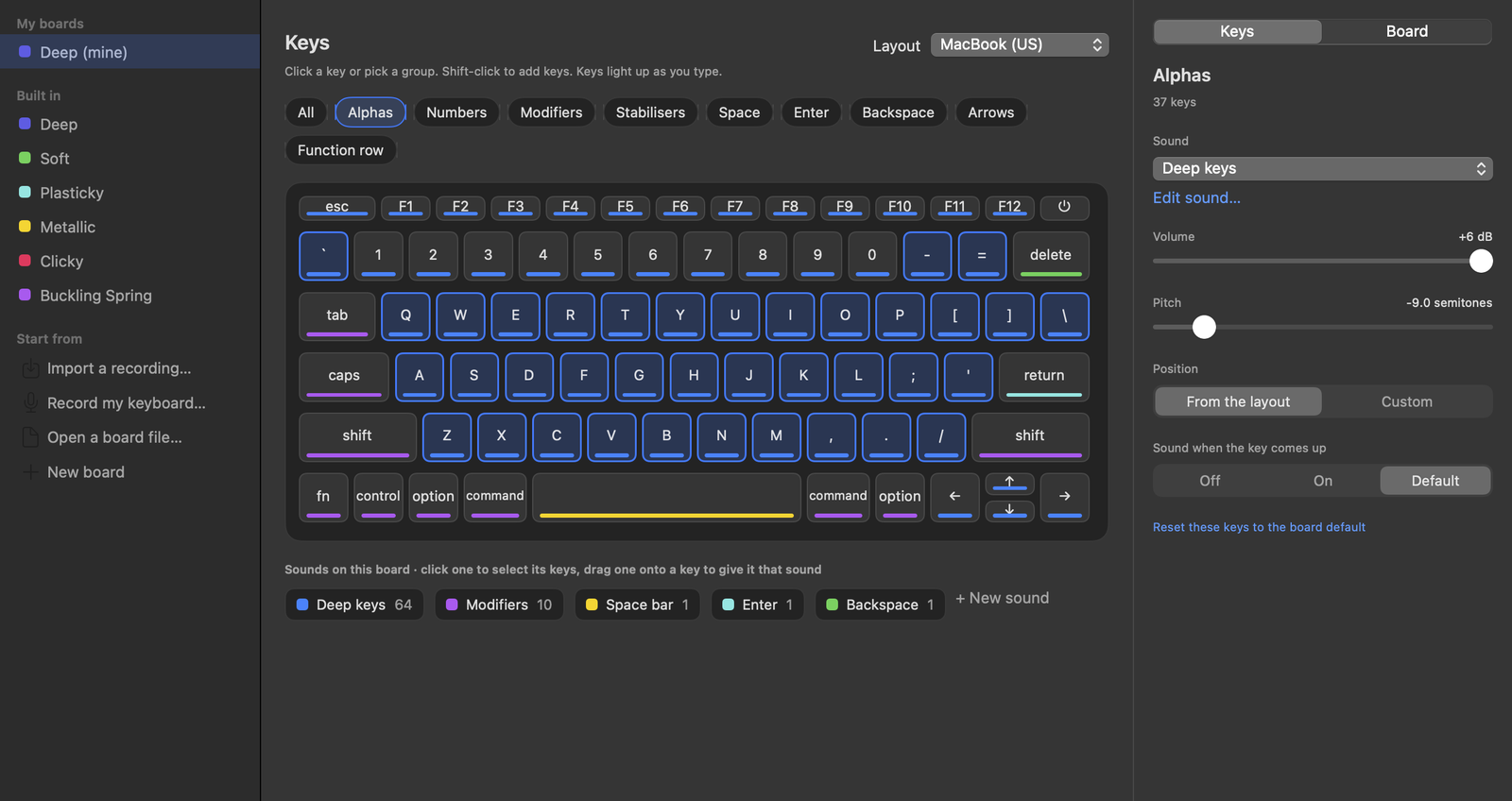
The Studio's key map: a MacBook keyboard where each key shows a coloured bar for its sound, with group filters above and key settings on the right. The Studio's key map: a MacBook keyboard where each key shows a coloured bar for its sound, with group filters above and key settings on the right.

Use your own keyboard

Import a recording, or record your keyboard with your Mac's microphone. Krakle cuts it into single key presses and keeps the cleanest ones.

Share a board

Save a board as a .krakle file and send it to a friend. Any recordings you added travel inside the file.

On the desk, in front of you

On earphones, Krakle puts the keyboard on the desk in front of you. Your far ear hears each key up to 0.66 ms later and a little duller, the way it would from a real desk. On speakers it leaves this out.

Quiet when it matters

Krakle goes quiet while your microphone is on, so people on a call don't hear your keys. Password fields stay silent, because macOS hides those keys from every app. ⌥⌘K mutes it from anywhere.

Get Krakle

The first time it opens, Krakle asks for Input Monitoring. It needs that to know when a key goes down. You turn it on once, in System Settings under Privacy & Security.

Mac download coming soon
Version
0.1.0
Price
Free
Needs
macOS 14 Sonoma or later
Runs on
Apple silicon and Intel Macs
Download
3.6 MB

Sound credits

  • Deep: Remington Rand 1550 keyboard by zrrion, Freesound, CC0
  • Soft: Tactile keys by StavSounds and computer keyboard single keys by yottasounds, Freesound, CC0
  • Plasticky: Keyboard Soundpack #1 (Cherry KC 1000) by unicaegames, OpenGameArt, CC0
  • Metallic: IBM electric typewriter by zrrion, Freesound, CC0
  • Clicky: Mechanical keyboard by Capt.Jack, Freesound, CC0
  • Buckling Spring: buckling-spring.WAV by fastson, Freesound, CC BY 3.0, cut into single keys and levelled